
Your webshop checkout shows €0.00 and a button that says "Add to quote." The real order still arrives by email.
For wholesalers with their own warehouse
Orders into your ERP, without typing them in
AI reads orders from email, PDF and Excel and drafts them into your ERP. You just approve. Within a month, orders flow into the system without manual entry.
Send us 5–10 example orders with no personal data, and we’ll show them to you as drafts in the demo.
If the first stage doesn’t work as agreed and we can’t fix it within 30 days, we refund its price.
 Finnish company, Business ID 3349855-4
 Servers in Helsinki
Fixed implementation price
Does this sound familiar?
A customer sends 14 lines of product codes as a PDF. Someone types them into the system line by line.
The price list is a PDF, and customer-specific prices live in Excel, which only two people know how to use.
Order processing depends on one person. When they're on holiday, everything stops.
Two warehouses, three stock balances. Sales calls the warehouse before promising a delivery date.
A supplier's order confirmation has to be checked by hand against the original order.
How it works
From order to draft, you decide
01
Order arrives
By email, as a PDF or Excel attachment, or from a webshop quote request. Your customer doesn't need to change anything.
02
AI reads and checks
It identifies the customer, products, quantities and units against your catalogue. A second model checks the result and flags uncertain lines.
03
You approve
The draft waits in your system. You check the flagged lines and approve the order. Nothing is recorded without your approval.
04
The chain continues
An approved order creates an order confirmation, a warehouse picking list and an invoice. These stages are introduced one at a time.
One process at a time. We expand only once the first one works and has been approved.
Works alongside your current systems, not instead of them
We connect the solution to your ERP through its API, with the rights of an ordinary user. We don't change your system or move your accounting anywhere.
If you don't have an ERP yet, or it's outdated, we set up Odoo Community. It has no license fees, no matter how many users you have.
Examples of systems the solution can connect to
OdooNetvisorProcountorVismaLemonsoftWooCommerceShopifyMagentoHubSpotPipedriveFinvoice e-invoicing
Every integration is built to match the customer's system.
Is your system missing from the list?
If it has an API, connecting it is likely possible. Ask us in the demo.
What the AI does and doesn't do
Does
- Reads emails as well as PDF and Excel files
- Identifies the customer and products, even when the customer uses their own product codes
- Drafts the order in your ERP and flags uncertain lines
- Uses two models: the first reads, the second checks. That leaves fewer errors.
Does not
- Doesn't send anything to your customers without your approval
- Doesn't change prices or calculate stock balances. Those are still calculated in your ERP, as before.
- Doesn't record a single line without human approval
- Doesn't use your company's data to train AI models
Read more
AI and automation in practice
AI agents
What an agent can check in accounts payable, accounts receivable, bank and warehouse, and what a person decides.
Read about AI agentsAI scenarios
Examples from sales, marketing, customer service, HR and documents. A person decides in each one.
See the examplesAutomation tools
Which process to start with, which tools you need and which mistakes come up most often.
Read the articleWhat this means for you
If you receive 40 orders a day and each takes 10 minutes, that's almost a full working day. That's about €50,000 a year including overheads. Implementing the first process costs a fixed €9,400. There are no license fees, so the cost doesn't grow as you add users. Price and timeline are set out in the contract.
40 orders × 10 min a day≈ €50,000of manual work a year including overheads
The solution works through your ERP's API with the rights of an ordinary user. Every customer gets their own environment, separated from others. Before go-live we map the data flows and sign a data processing agreement. Manual mode is always available: if the AI is unavailable, orders are processed as before. The code, the data and the server are yours.
Continuity plan8 hrecovery target, up to 24 hours of data may be lost
You decide, AI handles the routine. The draft arrives in the same system you already use. Uncertain lines are already flagged, and you can approve the rest in one go. The difference between "50 pcs or 50 boxes?" gets caught before the pallet leaves. Training uses your own company's orders.
Example of a flagged line
Hose 8 mm, 50 pcs or 50 boxes?Check
If you receive 40 orders a day and each takes 10 minutes, that's almost a full working day. That's about €50,000 a year including overheads. Implementing the first process costs a fixed €9,400. There are no license fees, so the cost doesn't grow as you add users. Price and timeline are set out in the contract.
Calculate your own savingsThe solution works through your ERP's API with the rights of an ordinary user. Every customer gets their own environment, separated from others. Before go-live we map the data flows and sign a data processing agreement. Manual mode is always available: if the AI is unavailable, orders are processed as before. The code, the data and the server are yours.
Read more about securityYou decide, AI handles the routine. The draft arrives in the same system you already use. Uncertain lines are already flagged, and you can approve the rest in one go. The difference between "50 pcs or 50 boxes?" gets caught before the pallet leaves. Training uses your own company's orders.
See what it looks like
Pricing
Pricing is here, not behind a sales call
- Email and PDF orders drafted into your ERP
- Live in 2–4 weeks
Stock and balances, purchase orders to suppliers, order-confirmation matching, webshop, customer-specific price lists and Finvoice e-invoicing.
Daily backups to separate storage, and updates.
Monthly hour allowance, support on weekdays 9am–5pm in Finnish and English. AI usage costs billed as actually used.
Reference price
We’re a new company looking for our first wholesalers to measure results together. You get a price we won’t offer again later, and the whole team’s attention. In return, we ask permission to share the results, either under your company’s name or anonymously. This pricing applies to contracts signed by 30 June 2027.
Who this is for, and who it isn't
A good fit if
- your company is a wholesaler, importer or manufacturer with its own warehouse and over €2 million in revenue
- you receive 10–200 orders a day by email, PDF or from a webshop quote request
- your accounting runs on Netvisor, Procountor, Visma or Lemonsoft, and you want to keep it there
- you want one working process within a month, not a two-year ERP project
Not a fit if
- all your orders already arrive via EDI without manual work
- you need Odoo Studio, Odoo SA's official support or the Odoo.sh platform
- your company has its own IT department and over €25 million in revenue, or you already have an Odoo partner
Security is a process, not a promise
- Every customer gets their own environment, separated from others, on a server in Helsinki
- Daily backups that cannot be deleted. Restores are tested quarterly.
- A data processing agreement before the very first order
Why Odoo Community, and why we aren't an Odoo partner
Odoo Community is an open-source ERP with no license fees. We earn from implementation and support.
A Finnish company, a small team, direct answers
AITEHO is a Helsinki-based company. We automate wholesale processes from order to invoice so that people decide and AI handles the routine. We always start with one process.
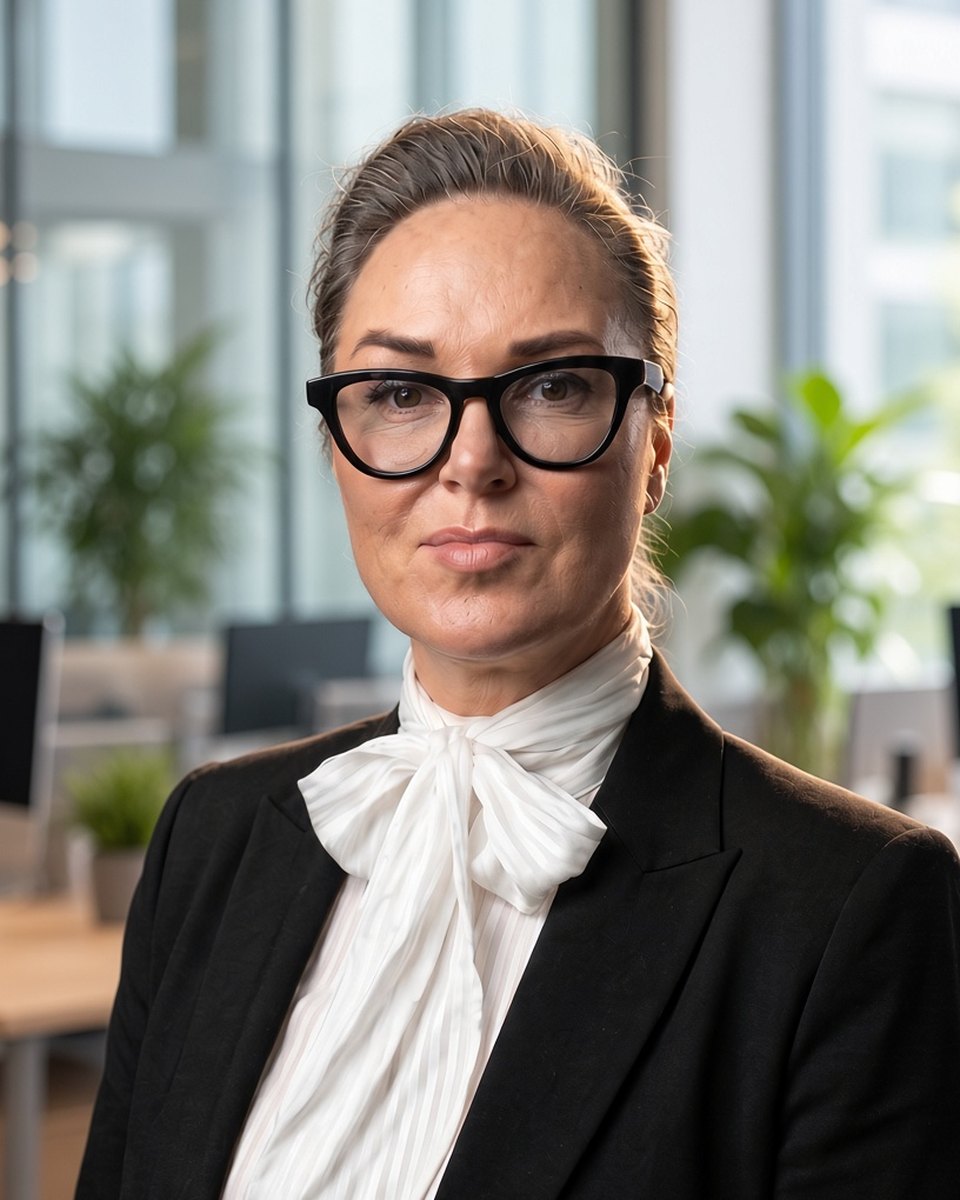

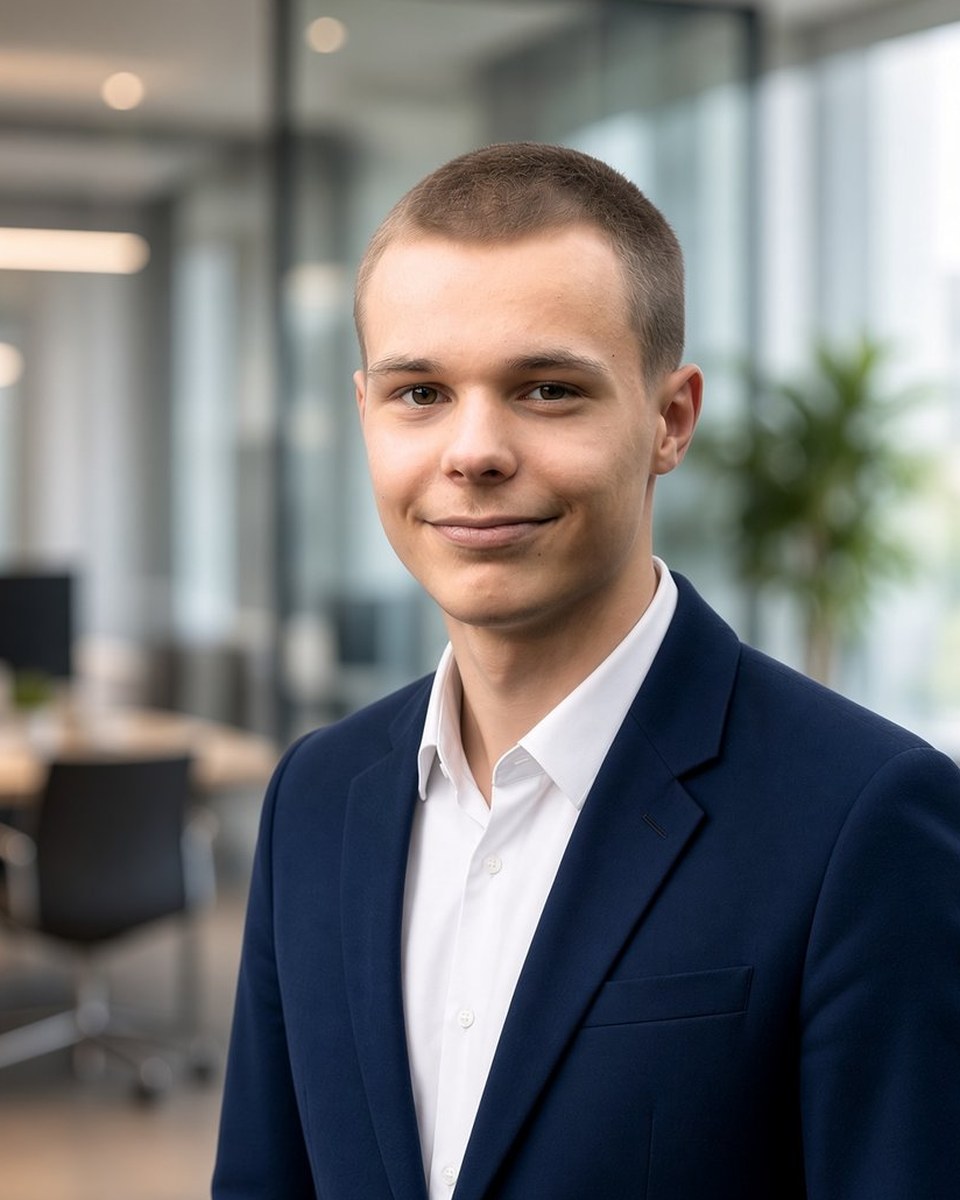


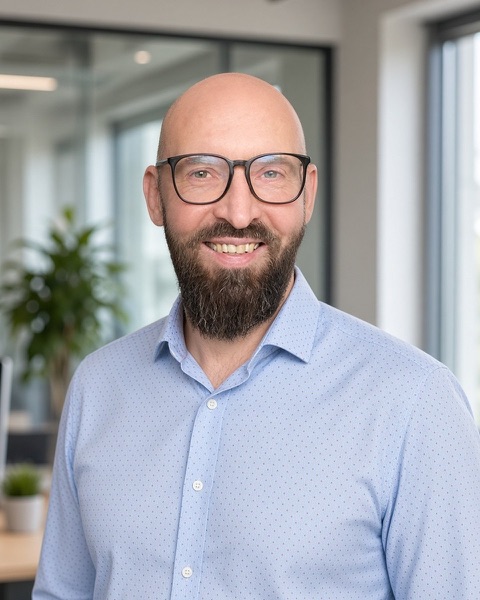
Meet the team
Contracts are governed by Finnish law.
Calculator
How much does manual order entry cost your company?
Your own estimate. Change if needed.
Manual work costs about
€50,000 a yearand takes 33 hours a week.
4months until the first process pays for itself
At this volume the saving stays small. Let's go through the numbers together.
Estimate: assuming 70% of processing time is removed, after deducting hosting and support costs.
Frequently asked questions
Do my customers need to change how they order?
No. They send orders as before. The change happens only inside your company.
What if the AI misreads an order?
A second model checks the first one's work, uncertain lines are flagged, and a person approves the order before it's recorded. The error rate is measured during rollout and written into the acceptance criteria.
We already have an ERP. Do we need to replace it?
No. The solution works alongside your current system through its API. Netvisor and Procountor support creating invoices and orders through their API. For Visma Nova and Lemonsoft, API access is confirmed before we start.
We don't have an ERP, just Netvisor and Excel. Does this still work?
Yes. We set up Odoo Community for orders and stock. Accounting stays in Netvisor.
Does this work for processes other than orders?
Yes. We usually start with orders, since that's where the saving shows up fastest. The same approach automates things like purchase orders, matching supplier order confirmations, webshop stock levels and invoicing.
How long does implementation take?
The first process goes live 2–4 weeks after we receive access. Expansions are agreed separately.
What happens if you stop operating?
The code is open, the data and server are yours, and documentation is handed over to you. Any Odoo developer can continue the work.
Where is my company's data located?
On a server in Helsinki, and every customer has their own environment. The services we use are listed in the data processing agreement.
Why wouldn't I just do this myself with ChatGPT?
AI needs accurate input data, and one mistake in the chain repeats on every order. We build the checks, integrations and human approval that a plain chat tool doesn't provide.
Do I need Odoo Enterprise?
Most wholesalers don't. If you do, we’ll tell you at the first meeting and refer you to a suitable Odoo partner. By agreement, we can also tailor and implement a CRM or ERP solution that fits the customer.
Why are the prices public?
Because you have better things to do than ask for quotes.
Book a 30-minute demo
We'll go through how orders currently reach your company, how many there are, and where manual work is needed. If we're not the right partner, we'll say so directly.
If you like, you can send 5–10 example orders before the meeting, with no personal data. We'll show you in a second meeting what they look like as drafts.
The demo is hosted by Amanda MarkolainenSales manager, AITEHO
The demo is hosted by Eugen SemenoffSales manager, AITEHO
hello@aiteho.fi
Support +358 45 197 4147
Vanttitie 3 F 27, 00980 Helsinki, Finland · Business ID 3349855-4
Amanda MarkolainenChoose a time that suits you. Available slots appear right here.
If the calendar does not load, open the booking page in a separate window.
Eugen SemenoffChoose a time that suits you. Available slots appear right here.
If the calendar does not load, open the booking page in a separate window.